Robot Mower Not Charging Quick Fix Guide
Robot mower not charging? Here’s a practical, no-nonsense guide to the most common causes and fixes, from dirty contacts to base station placement.
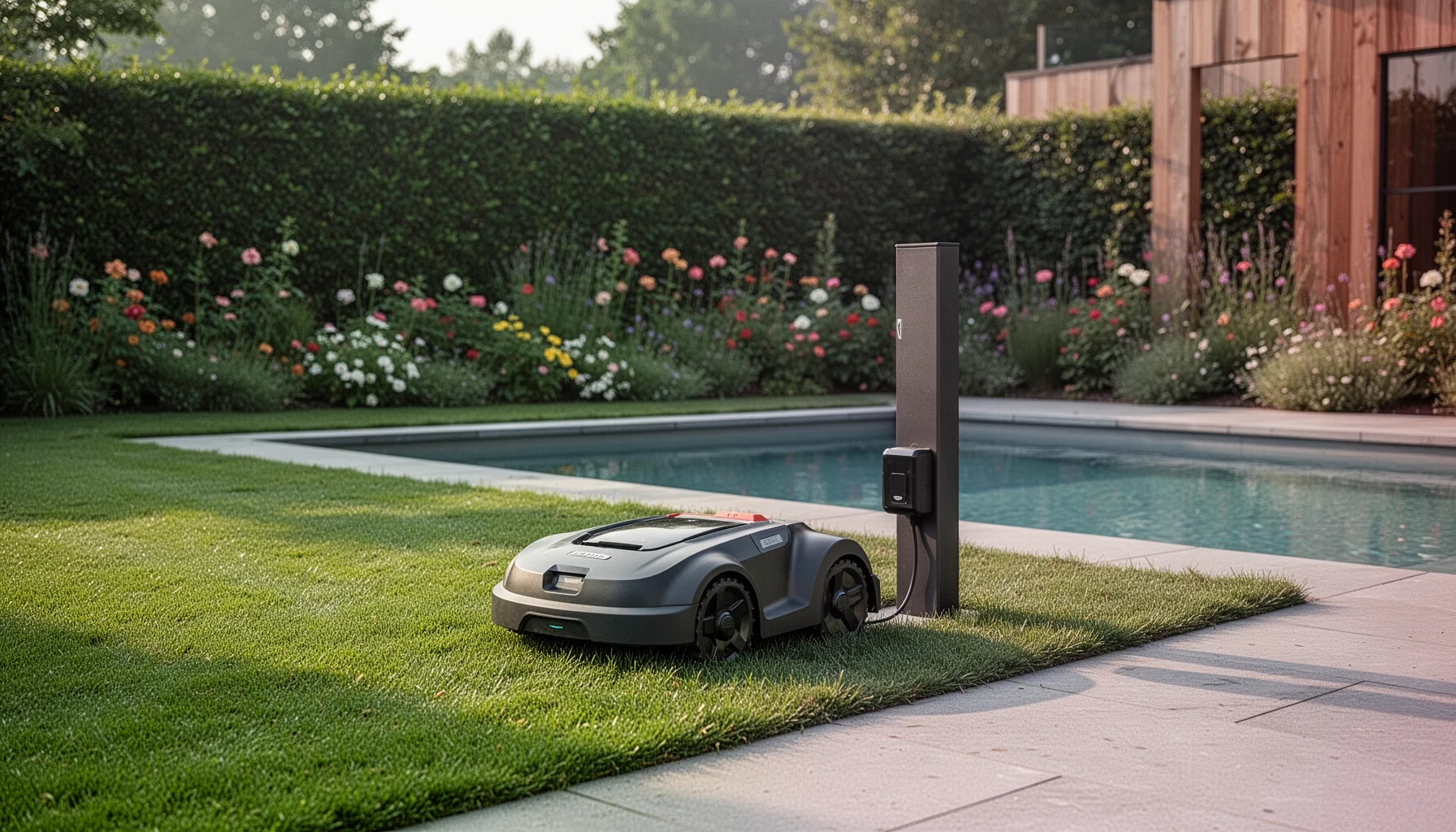
By TheYardForge — outdoor and garden gear, analyzed honestly for real backyards
You walk out in the morning expecting a freshly cut lawn and instead find your robot mower dead in the middle of the yard with a flashing red light. A robot mower that won’t charge is one of the most common frustrations owners face, and in most cases, the fix is simpler than you think. Based on manufacturer specs, owner reports and the patterns we see most often, a charging failure almost always comes down to one of three things: dirty or corroded contact points between the mower and the base station, poor base station placement causing a weak connection, or a battery that has aged past its useful life. A fourth, less common culprit is a software glitch that a simple power-cycle resets. Before you pack the mower up for service or buy a new battery, work through the physical setup first, that is where the majority of problems hide. Start at the charging station, check every contact, and move outward from there.
Quick note: some links in this article are Amazon affiliate links, they support the blog at no extra cost to you.
The Most Common Culprits at a Glance
| Problem | What It Looks Like | Easiest Fix |
|---|---|---|
| Dirty charging contacts | Mower docks but won't charge, or docks and repeatedly backs out | Clean contacts on mower AND base with fine sandpaper or a dry cloth |
| Poor base station placement | Mower wanders near the dock, misses it often, or docks at an odd angle | Re-level the base plate; ensure the approach path is straight and flat per the manual |
| Aged battery (2-4+ seasons) | Mower charges quickly but dies fast, or won't hold charge overnight | Replace with a manufacturer-approved pack (check the current price on Amazon) |
| Software lock-up | Mower is unresponsive, screen frozen, or behaves erratically | Turn the mower OFF completely, wait 10 seconds, restart |
If you are comparing a robot mower with a traditional mower for a lawn that is giving you headaches, we have a broader robot mower vs regular mower guide that breaks down the real-world trade-offs.
Step-by-Step Charge Diagnosis
Work through these steps in order. Most owners find the cause by step three.
- Clean every charging contact. The contact pins on the mower and the plates on the base station are the first place dirt, grass sap and moisture build up. Unplug the base station, then use a dry microfibre cloth or very fine sandpaper (600-grit or higher) to gently polish the metal surfaces until they are bright. A pencil eraser can also work for light film. Do not use water or chemical sprays.
- Inspect the base station’s position. A base plate that has shifted over the season, from ground frost, rain, or repeated bumping, can angle the mower just enough that the contacts barely touch. Re-level the plate on solid ground and make sure the approach path is straight and flat for at least 1.5–2 metres in front of the dock. If the manual specifies a slope tolerance, check it (for example, Husqvarna Automower stations typically need a flat approach within the manufacturer’s stated degrees; you can check current prices for Automower accessories on Amazon).
- Power-cycle the entire system. Unplug the base station, remove the mower from the dock, and turn the mower completely off using its main power switch (not just the STOP button). Wait a full 30 seconds, then power the base station back up, wait for the green light, and place the mower on the dock manually. If it starts charging now, a software or sensor glitch was the likely cause.
- Test with a different boundary loop section (if possible). Weak or damaged loop signals can confuse the mower and make it miss the dock entirely. If you have a spare loop wire or can temporarily create a small test loop, this rules out field-wire breaks.
- Assess the battery age. Lithium-ion packs in robot mowers generally last 2 to 5 years depending on usage hours and winter storage conditions. A battery that charges in minutes but dies in minutes is a textbook sign of end-of-life. Replacement packs are model-specific; Worx Landroid owners, for instance, can find official and compatible batteries on Amazon (check the current price for your specific model).
What to Do When Nothing Works
If you have cleaned the contacts, re-levelled the base, power-cycled the system and ruled out an obviously aged battery, the issue may sit deeper, a faulty charging circuit inside the mower, a failed power supply on the base station, or water ingress at a connector. These are not DIY fixes. Contact the manufacturer’s support line with your model and serial number ready. Most brands (Husqvarna, Worx, Segway, Gardena) offer diagnostic steps specific to their firmware, and a few can push a remote firmware repair if the mower has connectivity.
One practical check before you call: if you have a multimeter and feel comfortable using it, you can verify whether the base station power supply is outputting the correct voltage at the contact plates. If the reading is zero or erratic, the power brick itself is the failure point, a relatively cheap fix compared with a whole mower service. Always unplug the station before touching contacts with tools, and if you are unsure, leave this to a professional.
Related reading
FAQ
My robot mower docks but never starts charging, what is the first thing I should check? The first thing is the physical contact between the charging pins on the mower and the plates on the base. Even a thin film of oxidation or dried grass sap is enough to block the connection, so clean both sides thoroughly with a dry cloth or fine sandpaper.
Why does the mower keep missing the charging station? Missing the dock usually points to a base station that has shifted slightly or an approach path that has become uneven over the season. Re-level the base plate on solid ground and make sure the area directly in front of it is flat and free of obstacles for at least 1.5 metres.
How long should a robot mower battery last before it needs replacing? Most lithium-ion packs last between 2 and 5 seasons, depending on mowing hours, temperature extremes and how the mower was stored over winter. If the mower charges extremely quickly but runs out of power in a few minutes, the battery is likely at the end of its useful life.
Can I fix a charging problem with a firmware update? Sometimes. Manufacturers occasionally release firmware updates that improve docking behaviour or sensor calibration. If your mower has app connectivity, check whether an update is available, but always fix the physical basics, clean contacts and a level base, before chasing a software solution.
There are few things more frustrating than a gadget that quits doing the one job it is supposed to do, but charging faults are rarely the end of the road. A bit of contact cleaning and base realignment solves most cases in under ten minutes, and for everything else, the manufacturer support teams have seen your exact problem before.